

Today we are here with the cool trick that is How To Find Devices Connected To Your Wifi Network.Even today i am flexing the this new tutuorial and we share the same wifi with my freinds in the school and it work perfectly and no doubt the wifi also works like 4G ,there is why i am here to share it more with you . Wifi is now used by lots of people and almost everyone is having their personal wifi networks. However, sometimes other person knows your password and can use your wifi network and with that, your bandwidths get divided and your network speed gets slow. So to overcome this we have a cool method that will help you check out all the device that is being currently connected to your wifi network. So have a look at the complete guide below.
How To Find Devices Connected To your Wifi Network
The method is very simple and depends on a cool tool that will work on your PC and will scan all the devices connected to your wifi network. Just follow up the below steps to proceed.
Steps To Trace All The Devices Currently Connected To Your Wifi
Step 1. First of all in your windows PC download and install the cool tool to scan devices at wifi network that is Wireless Network Watcher. Once you installed you will see screen like below.
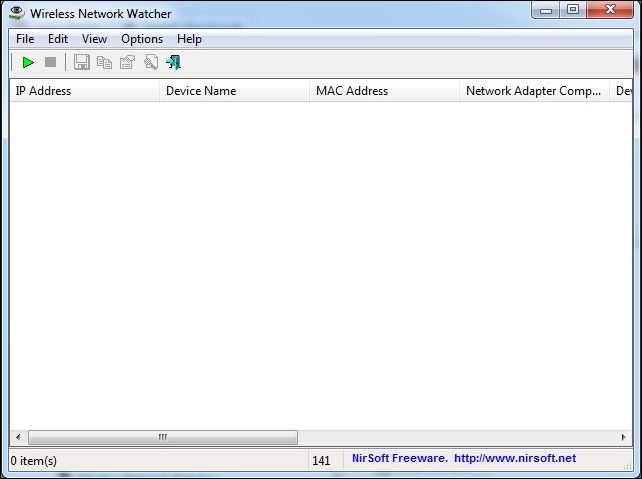
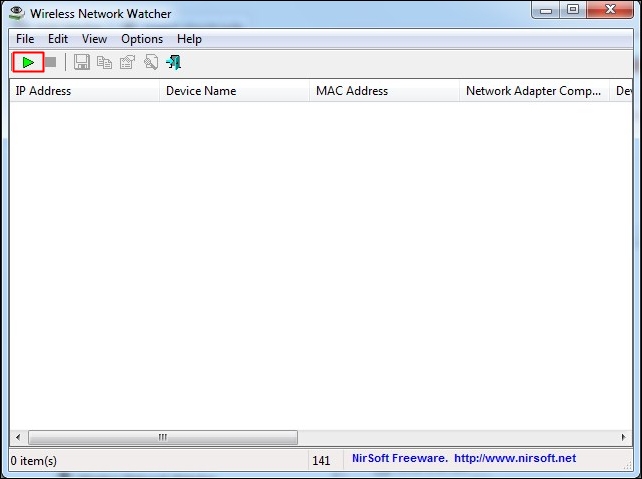
Step 2. Now connect to the wifi network in which you want to check the connected devices and launch the tool on your PC and click on “Start Scanning”
Step 3. Once you clicked on Start Scanning, you need to wait for few seconds until it finishes the search for your connected devices on your Wifi Network
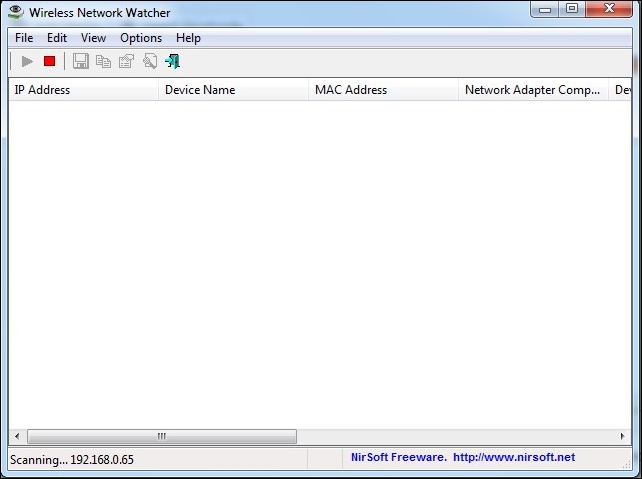
Step 4. Now you will see the list of all the devices with their IP address that currently being connected to your device.

That’s it now you can check out the owner of that IP address and can trace that person.
So above is all about How To Find Devices Connected To Your Wifi Network. With this method, you can easily trace out all the device that being currently connected to your wifi and stealing your wifi network. Hope you like this, do share with others too. Leave a comment if you have any related queries with this.

No comments:
Post a Comment
Is this post helpful?
Your comment(s) are highly appreciated to this post. Be the first to comment and make sure you also share to your friends and families about this post, for them to also benefit from it.
Share to all social networks like Facebook, Twitter and others social network you may know.
Are you finding it difficult to drop a comment here? Kindly click here and learn how to comment on Naijatechviral.com
Send FOLLOW NAIJATECHVIRAL To 40404
To get Free Update From This Blog